
MomentoStream makes it super easy to add as many destinations and multistream so you can reach bigger audiences.
MomentoStream can stream up to 8 destinations at the same time. Combine any Facebook, YouTube, LinkedIn, Twitter, Twitch, and custom RTMP destinations to reach a broader audience.
How to Create a Destination
- Head to your Destinations page, and click the New Destination button.
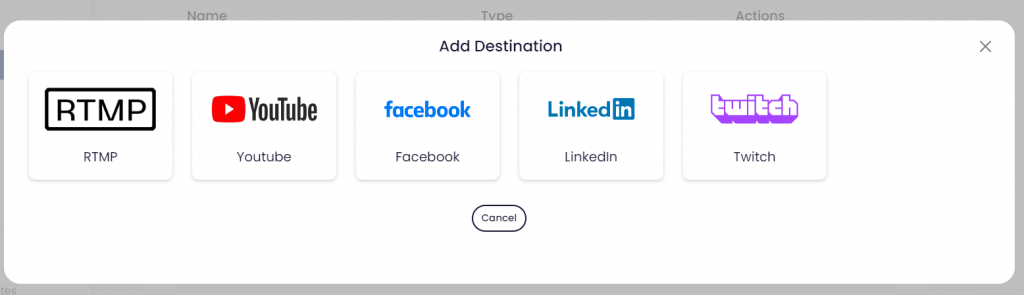
- Select within the type of destinations you want to add (Facebook, YouTube, LinkedIn, Twitter, Twitch, and custom RTMP)
- Allow MomentoStream to access to your account if needed so it can stream to that 3rd party destination
When creating a new session or before going live, you will be able to select the destinations where you want your streaming to go live to.
FAQ
- What is custom RTMP?
Custom RTMP is a way to stream to a platform that is not listed among our already connected platforms, but provides an RTMP URL and stream key - Can I add multiple destinations?
Of course! You can add as many destinations as you want. No matter the type of plan you are at. - How many destinations can I multistream to simultaneously?
You can stream to 8 destinations simultaneously on the Advanced and Professional plans, 3 on the Basic plan, and 1 on the Free plan.