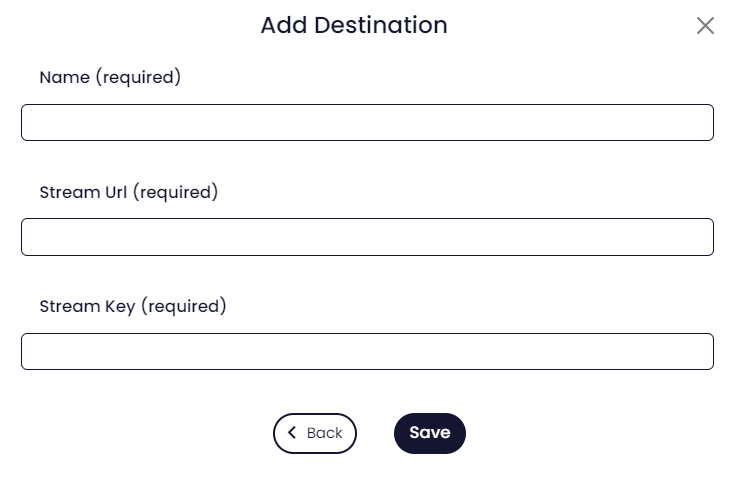
In addition to the builtin destinations, MomentoStream can stream to any site or service that accepts RTMP input for streaming.
Streaming a to a custom RTMP destination requires a paid plan, and RTMP destinations can be multi-streamed to just like integrated platforms.
Note: RTMP destinations do not support bringing chat into the MomentoStream studio
Connecting an RTMP destination
1. Retrieve the RTMP stream URL and stream key from your destination platform.
The steps for this can differ between platforms, so consult the platform’s documentation for steps on how to find the RTMP details.
2. Head to the Destinations page, and click Add a destination.
3. Click Custom RTMP.
Don’t see this button? You may need to upgrade to a paid plan here.
4. Enter the RTMP stream URL in the RTMP server URL field, and the stream key in the Stream key field.
The “Nickname” field can be whatever you like, and is only shown in MomentoStream.