
At MomentoStream, we make it super easy for you to access your account by offering direct sign-in through Google!
Creating a New Account
- Visit app.momentostream.com/register to create your brand new account.
- Click on the LinkedIn logo option
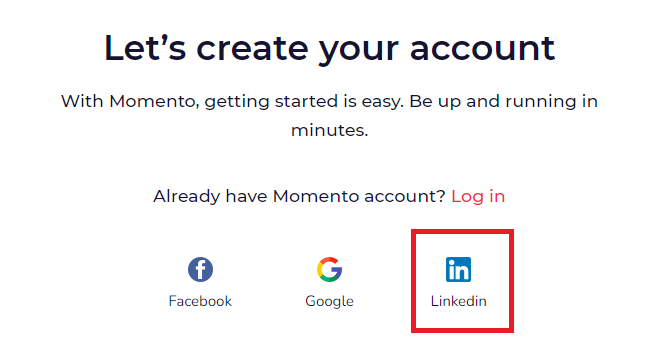
If you’re already logged into LinkedIn on your browser, simply choose your desired account from the list, and voilà, you’re logged into MomentoStream.
Logging into an Existing Account
If you’re already a MomentoStream user, you can access your account at app.momentostream.com/login. Just use the Google Login option and select the email address that matches your existing MomentoStream account.
FAQs
- What information does MomentoStream get from LinkedIn when I sign up?
We only retrieve your Name, Email, Language preference, and profile picture from LinkedIn.
- Can I use my existing social media accounts for registration?
Yes, absolutely! If you have an account on platforms like Facebook, Google, or LinkedIn, you can use them to sign up for MomentoStream for a smoother registration process.
- Can I disconnect my social media account from MomentoStream later? Yes, you can choose to disconnect your social media account from MomentoStream at any time. Your account settings allow you to manage these preferences easily.
- What if I want to change the password I use for logging in?
No worries! You can change your password as usual. Simply go to your account settings and update your password there. If you change your password, your associated Google login will be automatically disconnected.