
Having trouble streaming to Kick.com using our Custom RTMP feature? We got you!
The Stream URL provided by Kick seems to be missing the necessary info for MomentoStream to be able to connect successfully. Using this URL instead (and the stream key provided by Kick) should work!
rtmps://fa723fc1b171.global-contribute.live-video.net/app
Setting up your Stream
1. Head to your destinations tab in your panel, click Add a Destination and then Custom RTMP.
2. Enter the the URL above, and the RTMP stream key provided by Kick into the respective fields.
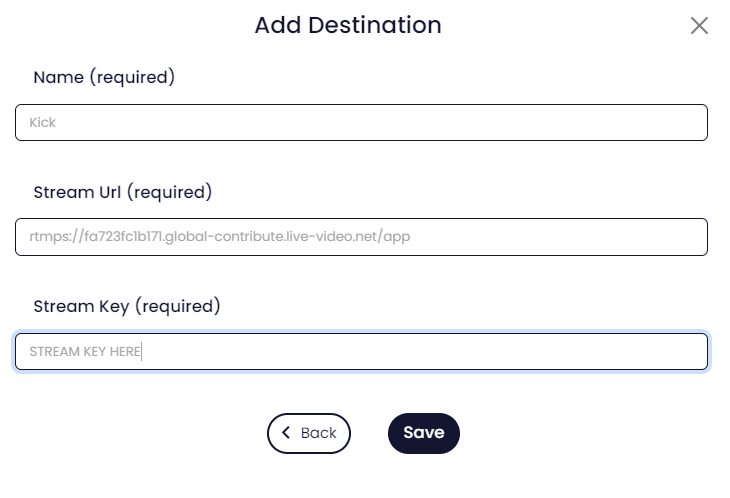
3. Click Save to save it as a destination.
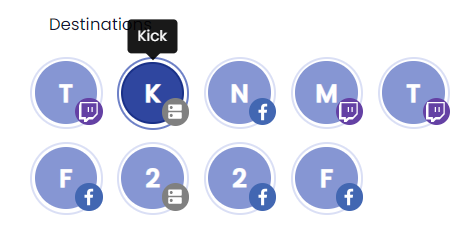
4. Create a session, and select your saved RTMP destination.
FAQ
Why are comments and the viewer count from Kick not appearing in the studio?
Streams to a Custom RTMP destination are not able to receive comments or a viewer count from the destination.