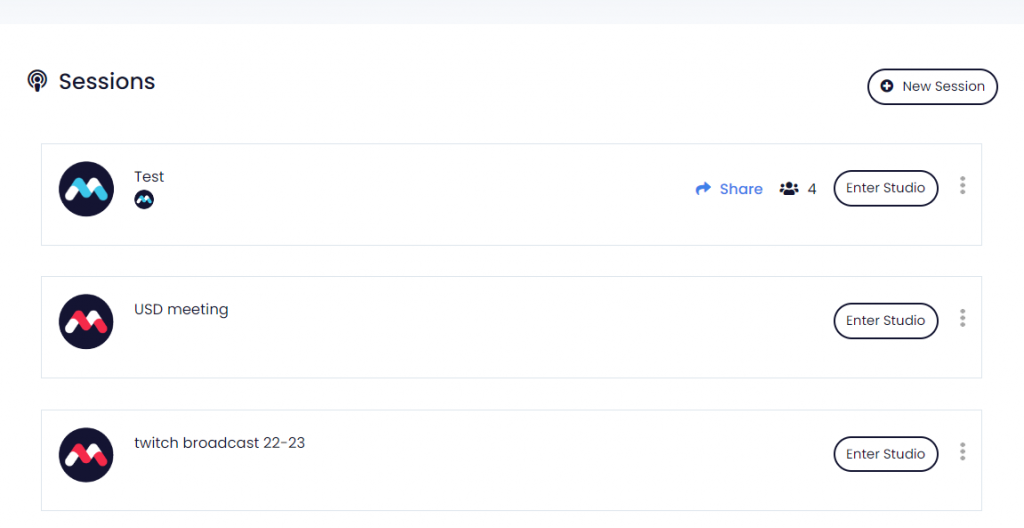
MomentoStream makes it super easy to add as many sessions as you need for no matter what type (meetings, streamings, webinars, events, etc.)
How to Create a Session
- Head to your Sessions page, and click the New Session button.
- Select the session type:
- Momento Studio.
- Momento Live.
- Once session type selected, you can name your session, destinations (if it will be streamed), and other parameters like interpretation, ticketing, etc.